
- 3D Designing Courses
- Accounting and Finance Courses
- Auto Desk Courses
- Business Courses
- Digital Graphic Designing Courses
- eCommerce Courses
- Freelancing Courses
- Garments Designing Courses
- Hardware and Software Courses
- Networking Courses
- On Campus Courses
- Online Live Course Training in Sialkot
- Other Courses
- Programming Courses
- Web Development Courses


Video Editing Course with AI in Pakistan | 2-Month Diploma 2026
Original price was: ₨ 30,000.₨ 22,000Current price is: ₨ 22,000.
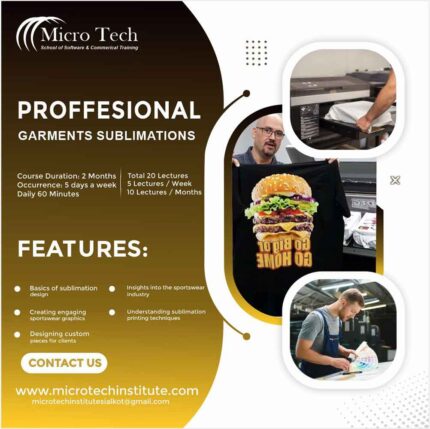
Professional Garments Sportswear Sublimation Designing Course
Original price was: ₨ 30,000.₨ 22,000Current price is: ₨ 22,000.
-20%
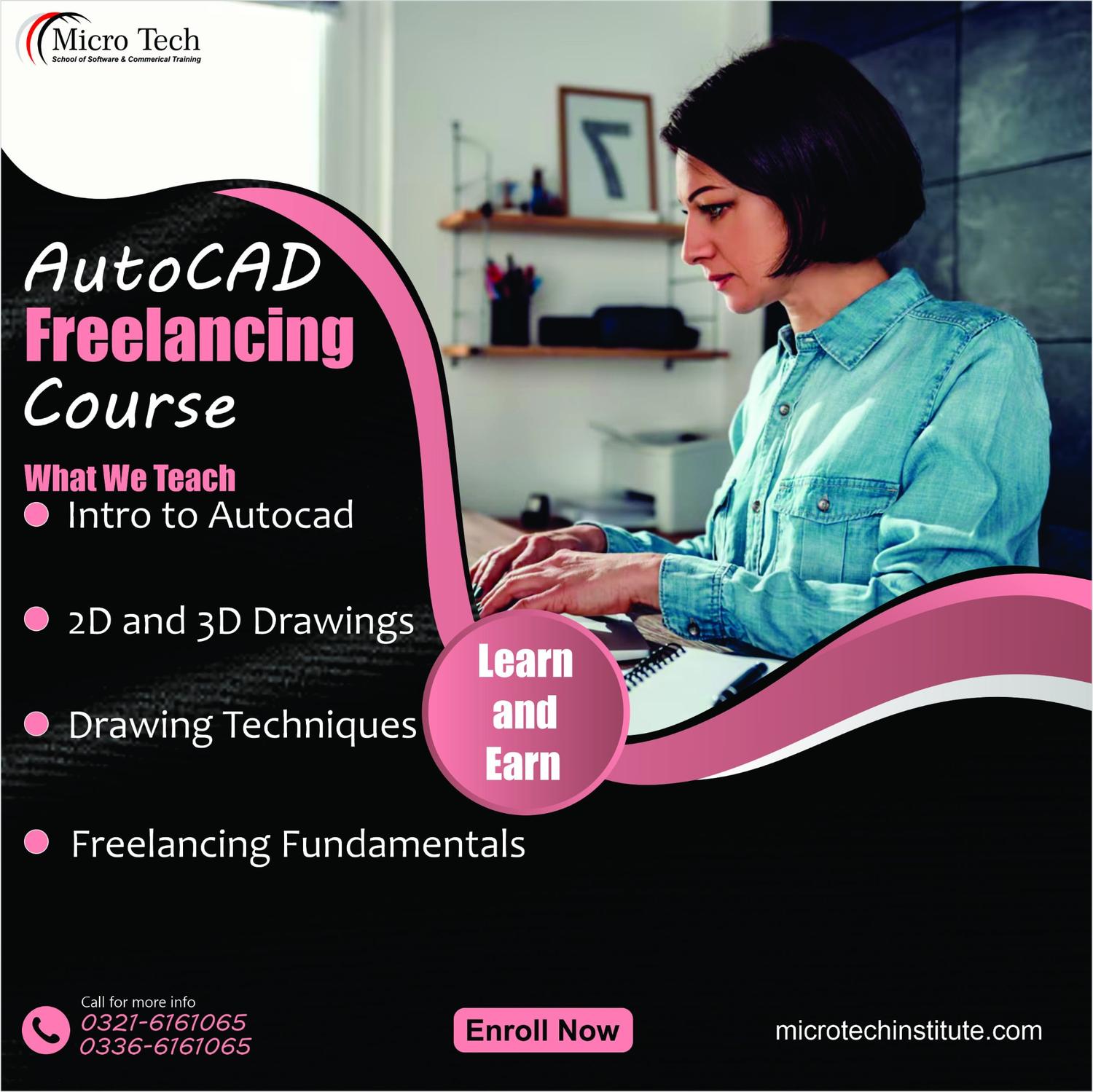

Freelancing with AutoCAD – Computer Short Course Coaching in Sialkot Pakistan
Original price was: ₨ 15,000.₨ 12,000Current price is: ₨ 12,000.
Freelancing with AutoCAD – Computer Short Course Coaching in Sialkot Pakistan
6921 in stock
Description
Course Objectives
Students in this course can expect to learn to:
- Work efficiently in the Adobe Illustrator environment with various modes, panels, and settings.
- Use the full range of shape drawing and freehand drawing tools to build illustrations.
- Apply fill and stroke colors to objects created with the drawing tools.
- Develop attractive illustrations using advanced selection, organization, and drawing tools.
- Use the full range of transformation and distortion tools to accurately modify objects’ shapes.
- Draw accurate vector objects using the Pen tool and its associated features.
- Use the various type tools, and apply wrap, flow, shape, and path modifications to typography.
- Design an advertisement using appropriate typography, drawing tools, and a clipping mask to contain the art within a shape.
- Align multiple objects with the Align panel and create complex shapes from simple objects with the Pathfinder panel and Shape Builder tool.
- Design a logo using the appropriate tools and features covered throughout the course.
- At least Matric
mport Export Documentation
Unit 1: Customizing the Workspace
Topic A: Using workspace
Topic B: Using multiple art boards
Unit 2: Using symbols
Topic A: Understanding pixel-aligned paths
Topic B: Working with Symbols
Topic C: Symbolism tools and sets
Unit 3: Creating Web graphics
Topic A: Pixel perfect
Topic B: Utilizing slices and image maps
Topic C: Utilizing SVG
Topic D: Creating animations
Topic A: Color Groups
Topic B: The Kuler panel
Topic C: Pantone Plus libraries
Topic D: Color adjustments
Unit 5: Painting tools
Topic A: Creating and using brushes
Topic B: Creating and using patterns
Topic C: Transparency and blending modes
Topic D: Creating and using meshes
Unit 6: Working with Images
Topic A: Using Image Trace
Topic B: Perspective drawing
Unit 7: Type styles & effects
Topic A: Creating type on a path
Topic B: Scaling and rotating type
Topic C: Working with fonts
Unit 8: Creating special effects
Topic A: Working with effects
Topic B: Exploring Stylize effects
Topic C: Creating and applying graphic styles
Unit 9: Printing” meta_icon
Topic A: Setting up documents for printing
Topic B: Preparing artwork for printing
Topic C: Printing transparent artwork
Topic D: Overprinting, trapping, and presets
Reviews (0)
Shipping & Delivery







Reviews
There are no reviews yet.