- 3D Designing Courses
- Accounting and Finance Courses
- Auto Desk Courses
- Business Courses
- Digital Graphic Designing Courses
- eCommerce Courses
- Freelancing Courses
- Garments Designing Courses
- Hardware and Software Courses
- Networking Courses
- On Campus Courses
- Online Live Course Training in Sialkot
- Other Courses
- Programming Courses
- Web Development Courses

3D Designing Courses, Business Courses, Digital Graphic Designing Courses, Freelancing Courses, Garments Designing Courses, On Campus Courses, Online Live Course Training in Sialkot
Professional Garments Sportswear Sublimation Designing Course

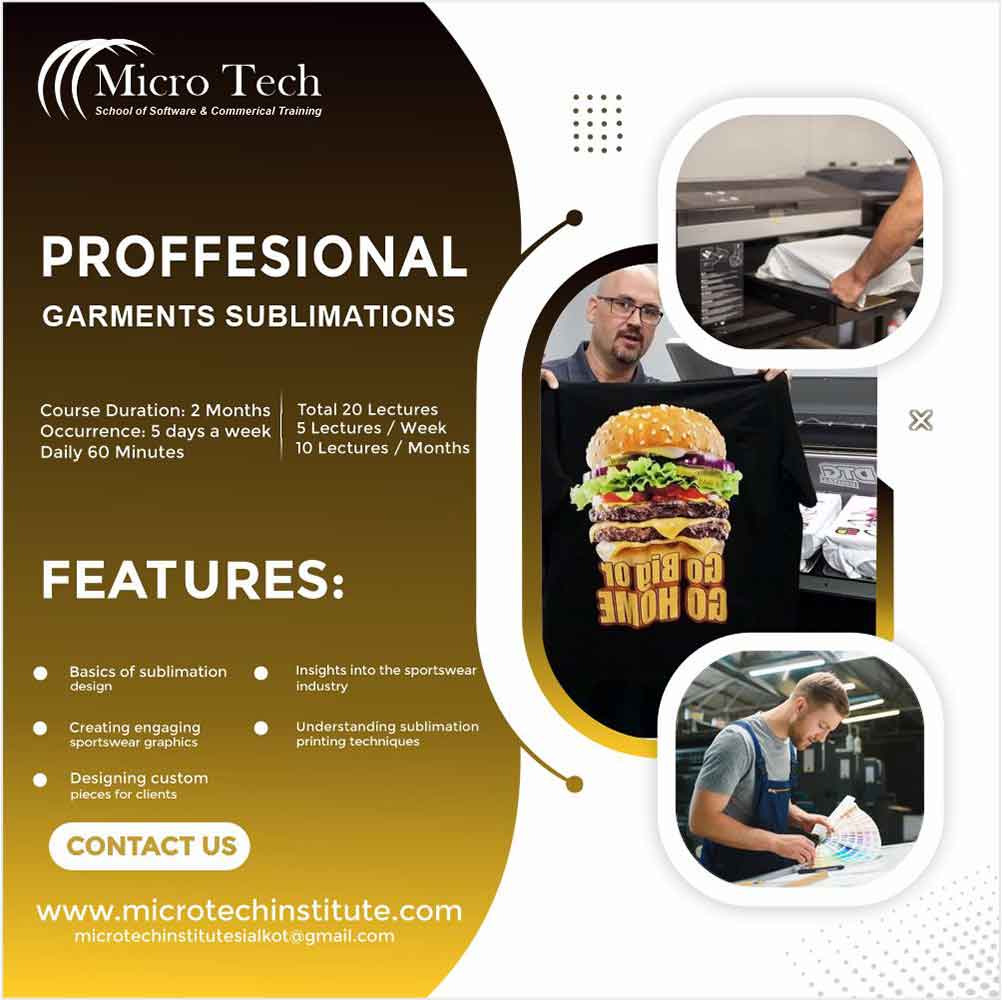
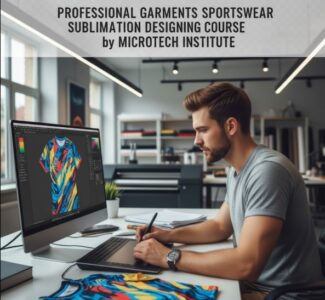 This course is specially designed for the Sublimation Designing of Garments and sportswear.
Exporters usually face a huge problem in making their designs for customer delaying their shipments due to lack of in time designing.
Microtech Institute help them by offering this course for Garments Designing in Sublimation, Pattern designing, 3d Mockups etc.
- At least Matric
1. Installation
- Downloading Software
- Cracking
- Smooth running
- Settings
2. Interface
- Understanding interface
- Portions and their working
- Hiding and Restoring
3. Color Modes
- RGB
- CMYK
4. Creating, Saving Files
- New files
- Setting Properties
- Measurement Units
- Page Sizing
5. Color Palates
- Color Palates
- Showing and Hiding
- Windows Tools
6. Understanding Toolba
- Toolbar and Understanding
- Show and Hiding Toolbars
- Customization of Toolbars
7. Shapes Basic to professional
- Basic Shapes (Circle, Ellipse, Rectangle, Stars, Polygon etc.)
- Complexes Shapes
- Contour, Shadow etc.
8. Sizing
- Page Sizing
- Designing Sizing
- Sizing Setting
- Align to Artwork
9. Vector Tracing – Logo
- Shape
- Text
- Cartoon
- Smoke
- Background
10. Garments Patterns
- Short
- T Shirt
- Track Suit
- Hoodie
- Cap
- Wrist, Hand Band
11. 2D 3D Settings
12. Color Filling and Shading
1.Installation
- Downloading Software
- Cracking
- Smooth running
- Settings
2. Interface
- Understanding interface
- Portions and their working
- Hiding and Restoring
[/stm_course_lesson][stm_course_lesson badge=”lecture” title=”3. Color Modes” meta_icon=”fa fa-file-text-o”]
- RGB
- CMYK
4. Creating, Saving Files
- New files
- Setting Properties
- Measurement Units
- Page Sizing
5. Color Swatches
- Art History
- Celebration
- Color Books
- Color Proporties
- Corporate
- Earth Tome
- Kids Stuff
- Matel
- Scientific
- Skin tones
- Textiles
- Web
6. Understanding Toolbar
- Toolbar and Understanding
- Show and Hiding Toolbars
- Customization of Toolbars
7. Shapes Basic to professional
- Basic Shapes (Circle, Ellipse, Rectangle, Stars, Polygon etc.)
- Complexes Shapes
- Contour, Shadow etc.
8. Layers
- New Layer
- Setting
- Up and Down
- Hiding
- Properties
9. Vector Tracing – Logo
- Shape
- Text
- Cartoon
- Smoke
- Background
10. Garments Patterns
- Short
- T Shirt
- Track Suit
- Hoodie
- Cap
- Wrist, Hand Band
11. Brushe
1. Calligraphic Brush
2. Scatter Brush
3. Art Brush
4. Bristol Brush
5. Pattern Brush
12. Transformation
13. Blending
14. 3D Rendering” meta_icon
- Downloading Software
- Cracking
- Smooth running
- Settings
- Downloading Software
- Cracking
- Smooth running
- Settings