
- 3D Designing Courses
- Accounting and Finance Courses
- Auto Desk Courses
- Business Courses
- Digital Graphic Designing Courses
- eCommerce Courses
- Freelancing Courses
- Garments Designing Courses
- Hardware and Software Courses
- Networking Courses
- On Campus Courses
- Online Live Course Training in Sialkot
- Other Courses
- Programming Courses
- Web Development Courses


WordPress Website Development - Computer Short Course Coaching in Sialkot Pakistan
Original price was: ₨ 30,000.₨ 22,000Current price is: ₨ 22,000.

Search Engine Optimization (SEO) - Computer Short Course Coaching in Sialkot Pakistan
Original price was: ₨ 30,000.₨ 25,000Current price is: ₨ 25,000.
-17%
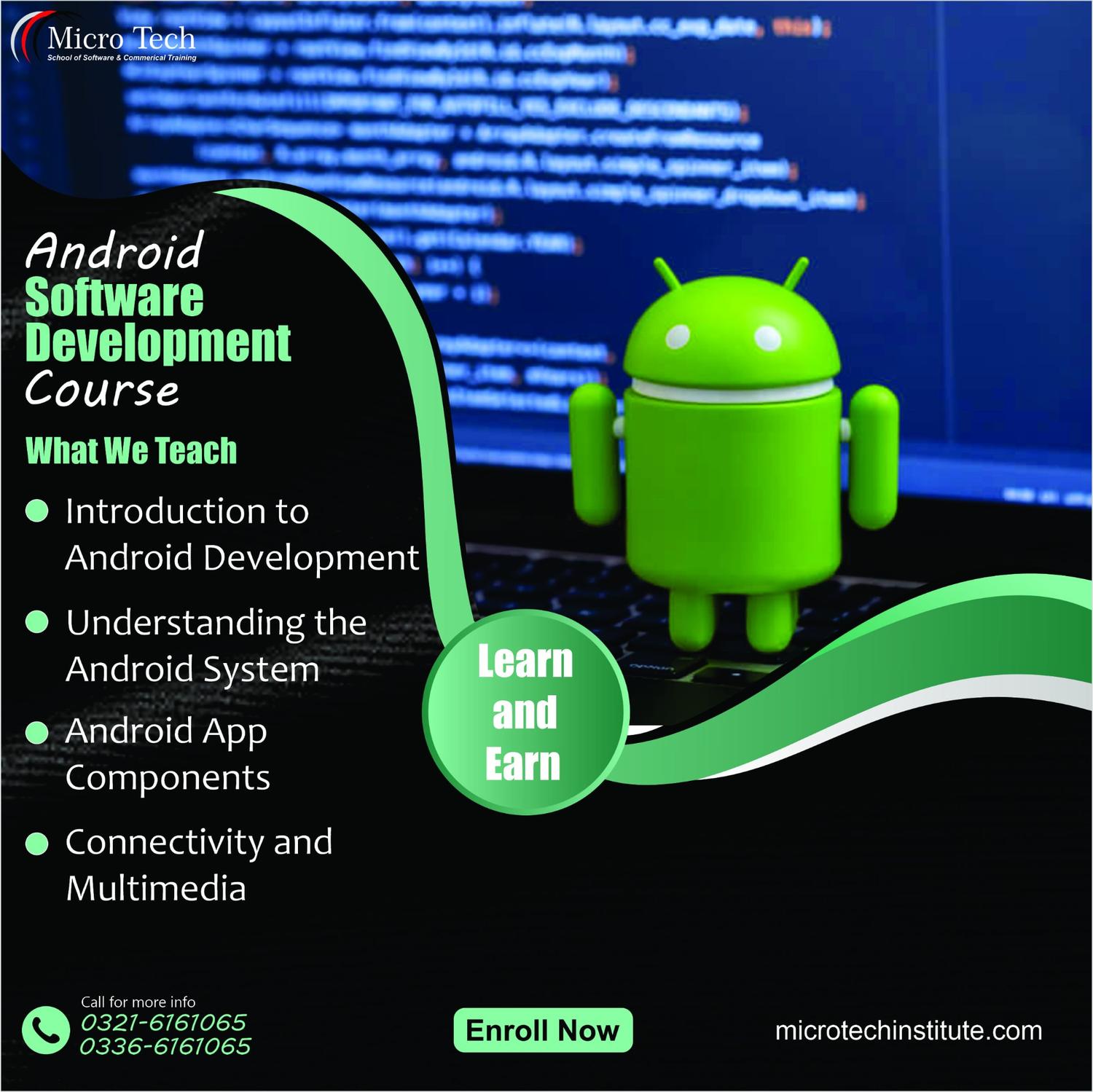
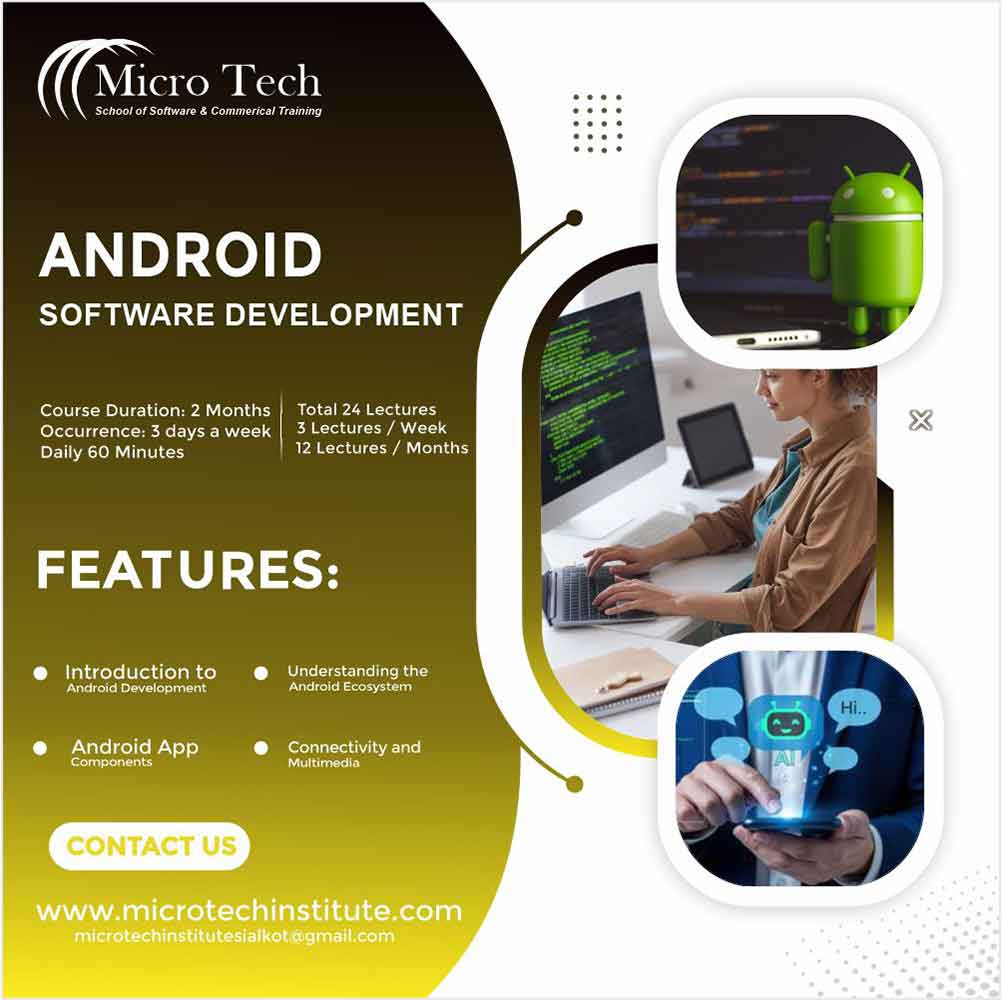

Android software development – – Computer Short Course Coaching in Sialkot Pakistan
Original price was: ₨ 30,000.₨ 25,000Current price is: ₨ 25,000.
Android software development – – Computer Short Course Coaching in Sialkot Pakistan
2280 in stock
Description
📱 Benefits of the Android Software Development Course at Microtech Institute
🛠️ Master Android Basics & Tools
Learn how to install & set up Android Studio, understand project structure, and build your first simple applications. :contentReference[oaicite:0]{index=0}
🧠 UI & Layout Design Skills
Get hands‑on designing of app interfaces using layouts like ConstraintLayout, LinearLayout, buttons, text fields, styles & themes. :contentReference[oaicite:1]{index=1}
🔁 App Logic & Java Fundamentals
Understand Java basics, how to add logic, use event handling, intents & activities in your Android apps. :contentReference[oaicite:2]{index=2}
📱 Test & Deploy Projects
Learn to run apps on virtual & physical devices, debug, and prepare simple apps ready for demo or deployment. :contentReference[oaicite:3]{index=3}
💼 Freelancing & Career Ready Skills
Discover how to take your Android skills into freelance projects, App‑Store submissions, or even build your own apps. :contentReference[oaicite:4]{index=4}
Microtech Institute
Android Software Development Computer Short Course / Coaching
Course Outline
Course Modules
- Getting Started with Android
- What is Android? Android ecosystem and versions
- Installing Java & Android Studio, configuring SDK and emulators/virtual devices
- Java Fundamentals
- Variables, data types, operators, control flow (if, loops)
- Methods & functions, classes & objects (basic OOP), working with arrays and strings
- UI Design & Layouts
- Understanding XML layouts: Linear, Relative, Constraint
- Working with text fields, buttons, images, margins, padding, styles
- App Logic & Navigation
- Activities & intents, passing data between screens
- Handling user inputs, events, and basic UI interaction
- Working with Resources & XML
- XML structure, resource files (strings, images), themes & styles
- Testing, Debugging & Deployment
- Testing on emulator and real device, locating bugs, logcat use
- Deploying to APK, basic setup for app release
- Freelancing & Final Project
- Build a simple app from idea to demo, optionally publish to Play Store
- Cover project presentation, revisions, client‑style feedback
Suggested Practical Projects
- Hello World + User Interface App
- Build an app with basic UI components (text, button, images) and navigation between two screens.
- Contact Form App
- An app that takes user input (name, email, message), validates it, and displays confirmation.
- Simple Quiz App
- Create a quiz with multi‑choice questions, timer, scoring, and result screen.
- App Publishing Simulation
- Package your app, test on different devices, and demo how you’d prepare for releasing the app.
Entry Requirement
Basic knowledge of how to use a computer. No prior programming experience required. (Modify as needed)
What Is Android App Development?
Android app development means designing, building, testing, and deploying applications that run on Android devices (phones, tablets). You’ll learn programming logic, user interface design, resource management, and how to solve real problems. By course end, you’ll have the skills to build your own apps, test them, and even launch small projects on freelancing platforms or app stores.
COURSE DESCRIPTION
COURSE OUTLINE
- What is Android App
- Downloading Software (Android Studio)
- Installation Requirements for Android Studio
- Installing Android Studio
- Create a test Android app
- Installing Virtual Device
- Running android app in multiple devices
Android Studio Interface
- Understanding Project Structure
- Accessing your Projects
- Component Tree
- The Palette
- Gradle Build System
- Understanding Types of Layouts in Android
- User Interface
Creating your First App Design
- Constraint Layout
- Relative Layout
- Linear Layout
- Working with Text Views
- Text Size, Margin and Padding
- Edit Text
- Button
- Styling your app
Understanding Basic XML Structure
- What is XML
- XML Syntax
- XML Attributes
- XML Document Structure
- XML Tags
- XML Elements
Understanding Basic Java
- What is Java
- Setting Up Java development Environment
- Coding your first Java Program
- What is Java package
- Data Types
- Basic operators
- Variables
- Arrays
Creating your First App Logic
- Creating a new Project
- Designing your app
- Adding image to your app
- Adding text field
- Adding button
- Creating the app logic
- Adding an icon for your app
- Creating Activities
- Understanding Intent
- Going back to previous activity
- Accessing your app on a real device
Reviews (0)
Shipping & Delivery








Reviews
There are no reviews yet.