
- 3D Designing Courses
- Accounting and Finance Courses
- Auto Desk Courses
- Business Courses
- Digital Graphic Designing Courses
- eCommerce Courses
- Freelancing Courses
- Garments Designing Courses
- Hardware and Software Courses
- Networking Courses
- On Campus Courses
- Online Live Course Training in Sialkot
- Other Courses
- Programming Courses
- Web Development Courses


Search Engine Optimization (SEO) - Computer Short Course Coaching in Sialkot Pakistan
Original price was: ₨ 30,000.₨ 25,000Current price is: ₨ 25,000.
Autodesk Maya – Computer Short Course Diploma Coaching Training in Sialkot Pakistan
₨ 50,000
Autodesk Maya – Computer Short Course Diploma Coaching Training in Sialkot Pakistan
579 in stock
Description
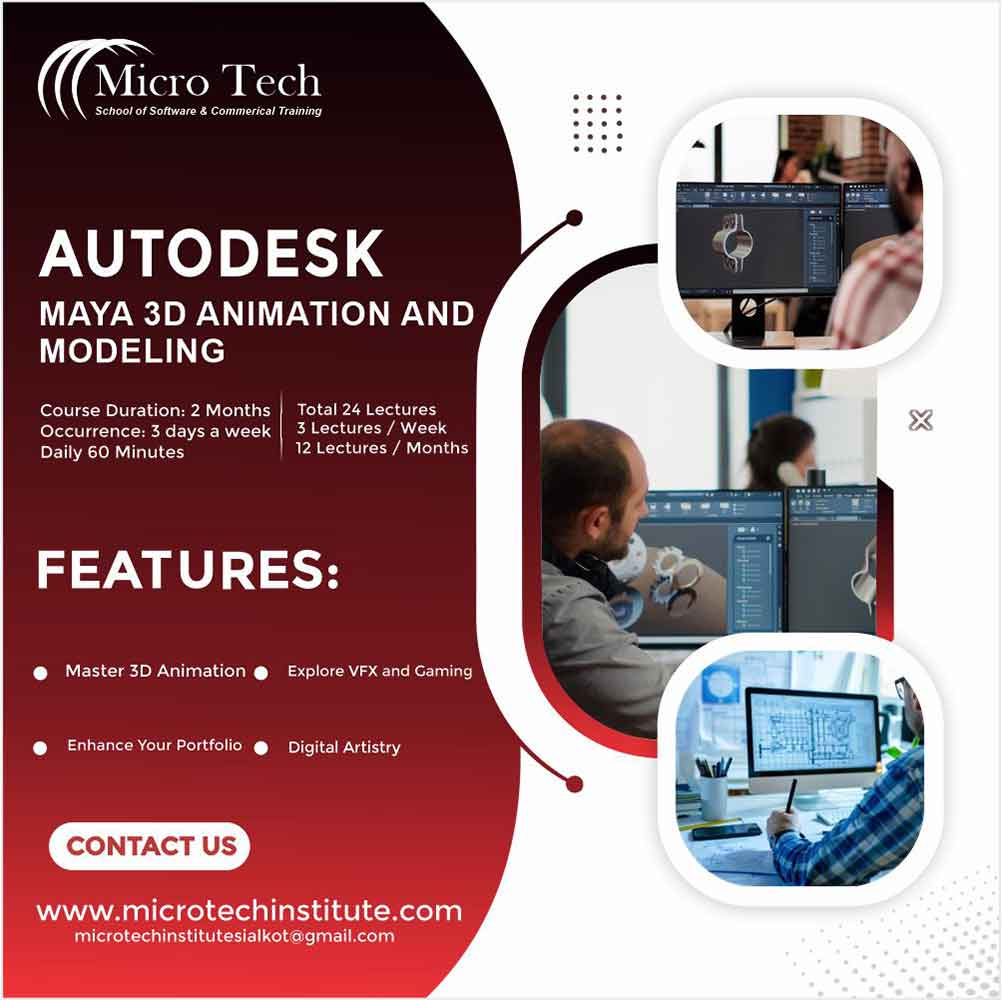
🎬 Benefits of the Autodesk Maya Diploma Course at Microtech Institute
🔧 Master Essential 3D Tools
Become fluent with Maya’s interface, viewport tools, selection methods, and all core modeling basics to build strong technical foundations. :contentReference[oaicite:1]{index=1}
🎨 Create & Sculpt Realistic Models
Work with polygon and NURBS modelling tools, sculpting, UVs, edge loops etc., enabling you to make both organic and hard surface models. :contentReference[oaicite:2]{index=2}
💡 Add Textures & Materials
Learn to use materials, bitmaps, texture mapping, displacement & bump maps and the UV editor so your models look polished and professional. :contentReference[oaicite:3]{index=3}
📷 Light, Render & Animate
Dive into lighting setups, render settings, motion blur, camera basics, rendering shadows and reflections — bring your scenes and animations to life. :contentReference[oaicite:4]{index=4}
🎓 Portfolio‑Ready Skills & Freelancing Opportunities
Finish with real‑project work you can show to clients; start freelancing in modeling, animation, VFX — use your new skillset to earn globally. :contentReference[oaicite:5]{index=5}
Autodesk Maya Essentials Course Outline
Overview of Maya
- Understanding the Maya interface
- Setting up files and Maya projects
- Configuring viewports
- Customizing the interface
- Navigating the Maya workspace
- Using the hotbox and marking menus
- Selecting objects
- Using the Move tool
- Rotating and scaling objects
- Working with pivots
- Understanding the Channel Box
- The Attribute Editor
Maya Scenes
- Organizing Maya Scenes
- Working with the Outliner
- Dealing with hierarchies
- Object groups
- Exploring Hypergraph
- Hiding and showing objects
- Working with layers
- Working with selection masks
Working with Polygons
- Creating Polygonal Models
- Differences between NURBS and polys
- Selecting polygonal components
- Using Soft Select and reflection
- Sculpting with the Sculpt tool
- The Combine and Separate commands
- Working with subdivision surfaces
Working with Meshes
- Working with edge loops
- Using Edge Flow for smooth geometry
- Reorienting geometry using Spin Edge
- Drawing detail with the Connect tool
- Mirroring geometry
- Modeling with nonlinear deformers
- Modeling with lattices
NURBS-based Modelling
- An Introduction to NURBS modeling and editing
- Using NURBS primitives
- The NURBS curve tools
- Using NURBS Revolve
Cleaning up NURBS
- Refining NURBS Models
- Extracting NURBS curves from surfaces
- Open/ Close curves and surfaces
- Creating curves on a surface
- Projecting curves on surfaces
- Trimming NURBS surfaces
- Using fillets to connect surfaces
- Converting NURBS to polygons
Using Materials
- Creating Materials
- Overview of Maya renderers
- The basics of materials
- Creating and applying maps
- Using bitmaps as texture
- Working with the Hypershade window
- Using the Ramp material
- Displacement and bump maps
- Mental ray materials
Using Textures
- Applying Textures
- Texture mapping
- Projecting textures on surfaces
- Applying multiple materials
- UV mapping
- The UV Texture Editor
Rendering your Scene
- Render Settings
- Lights and lighting types
- Rendering shadows
- Camera basics
- Depth of field
- Motion Blur
- Reflections and refractions
- Matching lights and shadows to images
- Batch rendering
Animating in Maya
- The animation interface
- Set Key
- The Graph Editor
- The Dope Sheet
- Animating objects along spline paths
- Ghosting animation
- Animation playback using Playblast
- Creating animation cycles
Reviews (0)
Shipping & Delivery







Reviews
There are no reviews yet.