
- 3D Designing Courses
- Accounting and Finance Courses
- Auto Desk Courses
- Business Courses
- Digital Graphic Designing Courses
- eCommerce Courses
- Freelancing Courses
- Garments Designing Courses
- Hardware and Software Courses
- Networking Courses
- On Campus Courses
- Online Live Course Training in Sialkot
- Other Courses
- Programming Courses
- Web Development Courses


Adobe Illustrator Course
Original price was: ₨ 30,000.₨ 22,000Current price is: ₨ 22,000.
Freelancing with Accounting Data Entry - Computer Short Course Coaching in Sialkot Pakistan
Original price was: ₨ 15,000.₨ 12,000Current price is: ₨ 12,000.
-20%
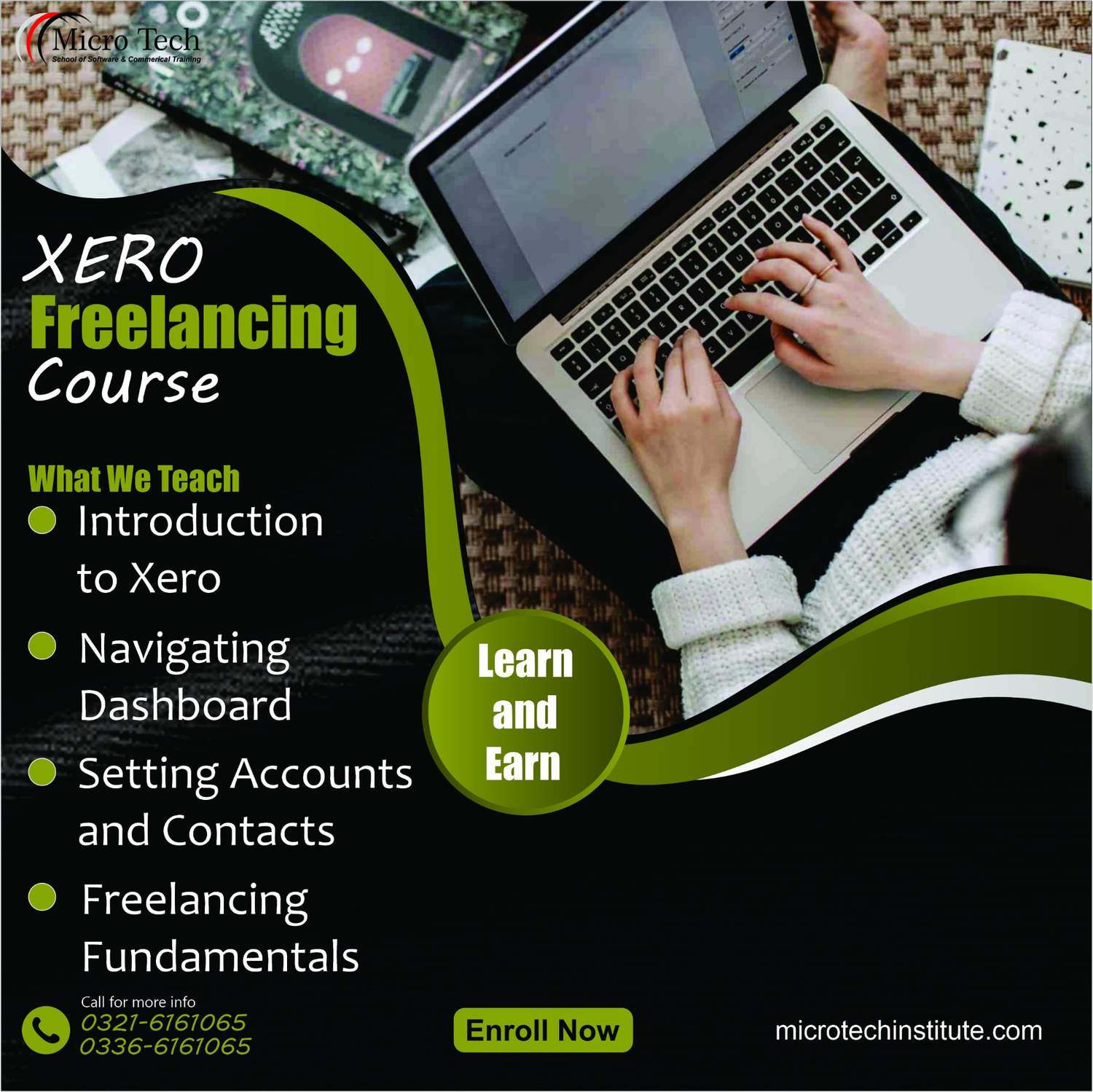
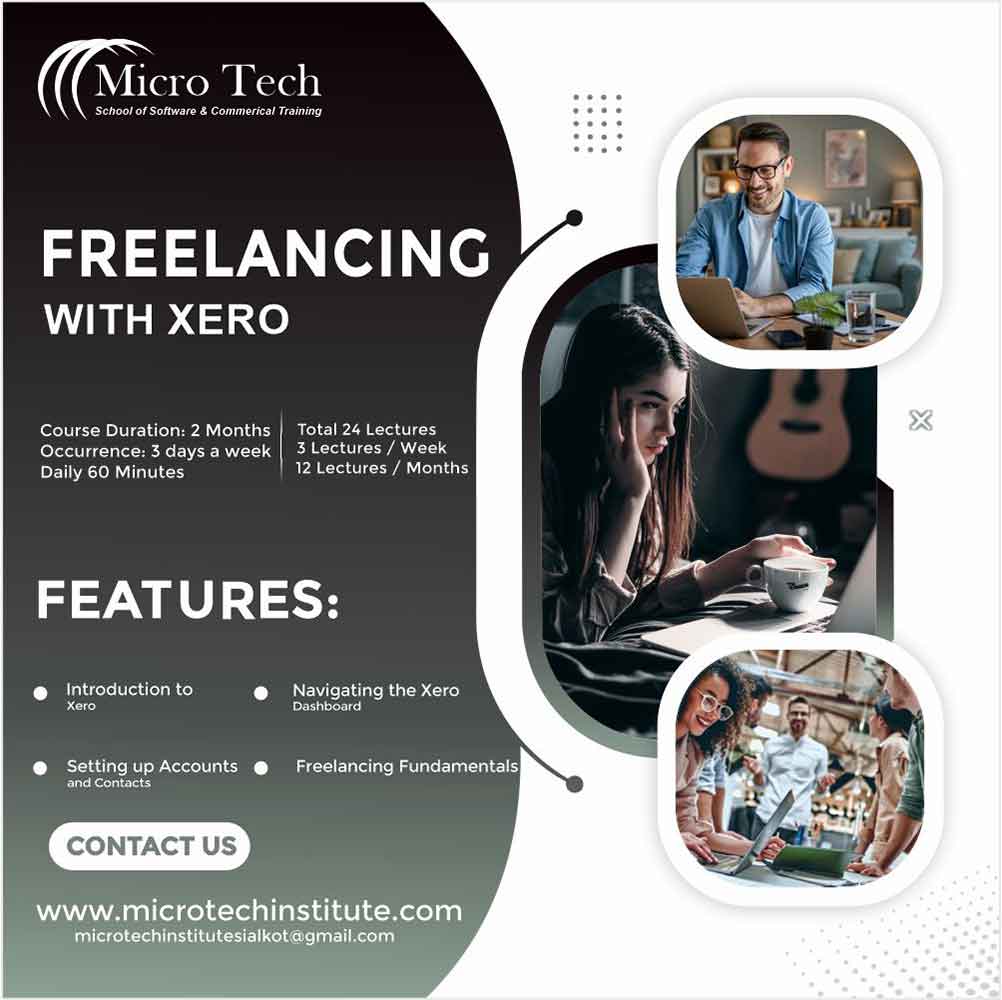

Freelancing with Xero – Computer Short Course Coaching in Sialkot Pakistan
Original price was: ₨ 15,000.₨ 12,000Current price is: ₨ 12,000.
Freelancing with Xero – Computer Short Course Coaching in Sialkot Pakistan
7524 in stock
Description
💼 Benefits of the Freelancing with Xero Course at Microtech Institute
📊
Professional Bookkeeping with Xero
Learn to use Xero for recording transactions, reconciling bank statements, and maintaining accurate financial records.
🧾
Invoice & Billing Automation
Master how to generate, send, and track invoices in Xero, set up recurring billing and ensure your cash flow is managed efficiently.
📑
Real‑Time Financial Reporting
Use Xero’s dashboard and reports like Profit & Loss, Balance Sheet, Cash Flow to get insights that help you and your clients make informed decisions.
🎯
Offer Freelance Xero Services Globally
Learn how to position yourself as a freelance accountant or virtual assistant specializing in Xero, attract clients, and provide remote services.
🚀
Efficient Expense & Tax Handling
Manage expenses, set up tax‑ready reports, record billable hours / costs so clients and businesses can stay compliant and organized.
- At least Matric
1. What are source websites for freelancing?
2. How to be registered on them?
3. How to Start Work on these website?
4. How to Make your Portfolio and start Selling your services?
5. What medium of receiving payments should be used for Online Freelancing?
6. How to promote your profile to get more clients?
7. How to handle inquiries and claims?
Lesson 1: Getting to know the workspace and fonts/Creating a simple report cover
Students will familiarize themselves with the basics of CorelDRAW, such as creating and saving documents, using fonts, resizing, rotating and moving documents and getting help. They will then create a report cover that contains a page border, an image from a symbol font, a title in artistic text and paragraph text. Suggested topics for discussion include legal issues surrounding font usage, design issues and the safety of downloading “free fonts” from the Internet.
Lesson 2: Using the toolbox/Using color
Students will learn to identify tools in the toolbox and use several common tools to create a half-page flyer for a party invitation. They will learn about color usage and discover several ways to apply color to an object and/or its outline. Suggested topics for discussion include reflective vs. direct color and how this relates to RGB and CMYK colors and screen vs. printed colors.
Lesson 3: Drawing and editing objects/Creating a greeting card
Students will learn the basics of using vector graphics and node editing for graphics and text, while creating a side-fold greeting card for an event of their choice. In the process, they will work with multi-page layouts and the Print Preview dialog, and import and edit clipart. Suggested topics for discussion include copyright laws that apply to clipart and other graphics, and ways to protect images.
Lesson 4: Using photographs in a motivational poster
Students will learn to combine vector and bitmap images as they create a standard page (letter/A4) motivational poster that must include at least one photo to accompany the text. Students will be introduced to the Corel® PHOTO-PAINT™ program and learn how it works with CorelDRAW. Suggested topics for discussion include how editing a photo might be deemed deceitful, digital photography techniques and career opportunities in photography.
Lesson 5: Using a template to create a two-page newsletter
Students will learn to work with templates: open an existing template file, modify it and create their own templates. In creating a two-page newsletter, they will also learn how to use text in columns, flow text from column-to-column and page-to-page, wrap text around graphics and create drop caps. Suggested topics for discussion include the history and use of Lorem Ipsum text, possible modern replacements, and the difference between newsletters, blogs and other social media in usage and design.
Lesson 6: Bitmap and vector effects
Students will learn to work with bitmap and vector effects, layers, lenses and masks, while creating a collage of images and text on a chosen topic. The exercise project will be created in CorelDRAW, but students can use the techniques they have learned in the exercises and tutorials to create an original collage in CorelDRAW, Corel PHOTO-PAINT, or a combination of the two programs. Suggested topics for discussion include the usage of collage techniques in modern marketing and advertising campaigns.
Lesson 7: Letterhead and data merge
Students will explore design and automation processes as they create a personal letterhead suite that includes mailing labels. They will be introduced to the Print Merge/Data Merge capabilities of CorelDRAW, as well as the Interactive Fill Tool. At the end of the module, they should be able to answer several essential questions about branding and the use of personalized mailings in marketing and other areas. Suggested topics for discussion include identifying what branding is, why it is important and whether it should ever vary.
Lesson 8: Creating a three-panel brochure for a student business
Students will create a three-panel brochure for a real or fictional student-run business, beginning with a template from the CorelDRAW Page Layout dialog. In the process of learning about brochure designs and creating promotional materials, they will discover helpful tools for text and graphics creation, such as page layout options, guides and Extrude and Bevel tools. Suggested topics for discussion include how to identify the essential information to be included in the brochure and how to use graphics to influence emotions.
Reviews (0)
Shipping & Delivery







Reviews
There are no reviews yet.